Technological Innovation
Why a Tool-Free M.2 SSD Docking Station Makes SSD Upgrades Easier
Why a Tool-Free M.2 SSD Docking Station Makes SSD Upgrades Easier
Upgrade, Transfer, and Access Your SSD Without the Extra Hassle
Category:Storage Guides
Published:August 2026
Upgrading an SSD Doesn't Have to Be Complicated
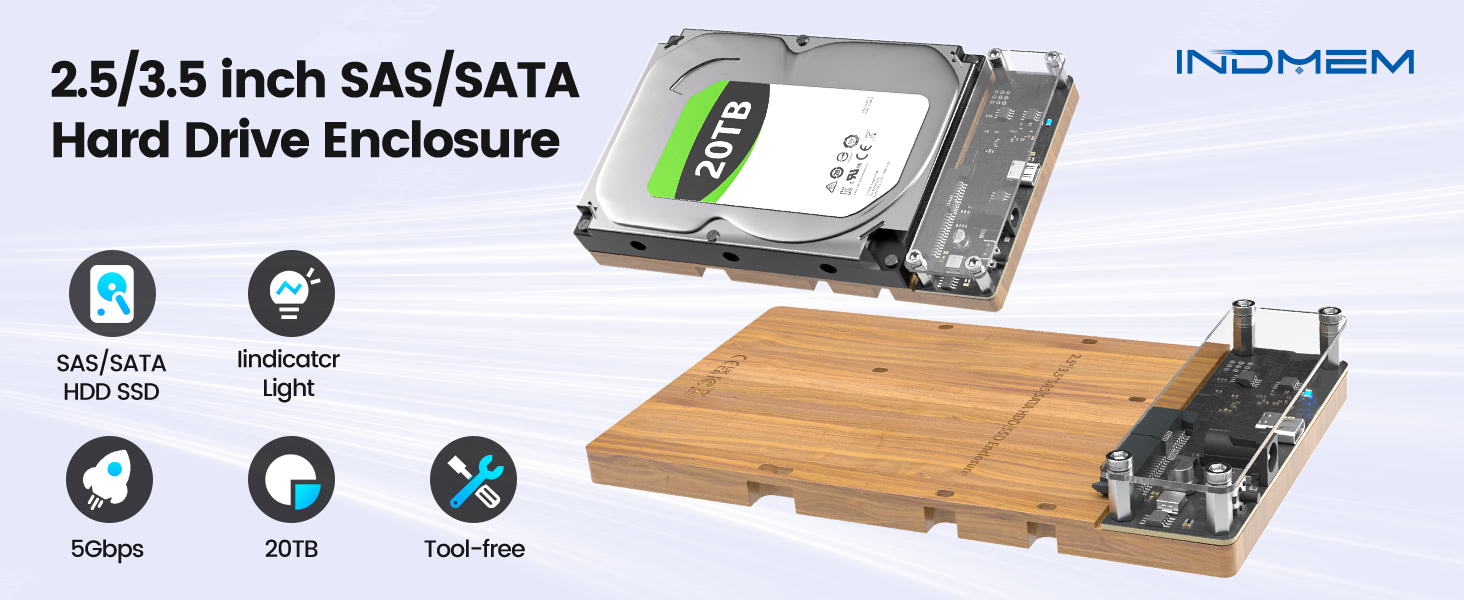
Whether you're upgrading your laptop, backing up important files, or recovering data from an old SSD, connecting an M.2 drive to your computer can sometimes be more complicated than expected.
Traditional external enclosures often require screws, small tools, or additional installation steps before the drive is ready to use. If you frequently work with multiple SSDs, these extra steps can quickly become inconvenient.
A tool-free M.2 SSD docking station offers a simpler way to access and manage SSDs without making the installation process more complicated.
What Is a Tool-Free M.2 SSD Docking Station?
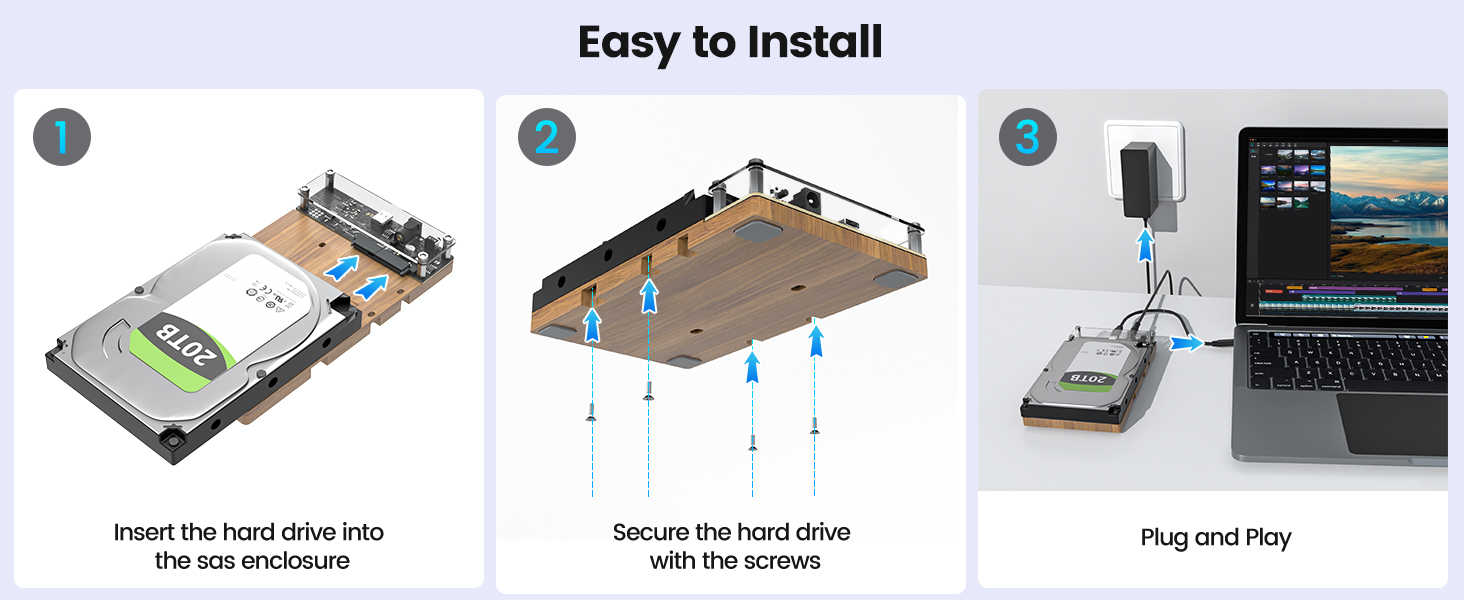
A tool-free M.2 SSD docking station is designed to let users install or remove compatible SSDs without using a screwdriver.
Instead of assembling an enclosure, users simply insert the SSD into the connector, secure it according to the product design, connect the dock to a computer, and begin accessing the drive.
This type of design can be especially useful for users who regularly test, upgrade, or transfer data between SSDs.
One Dock for Different SSD Types
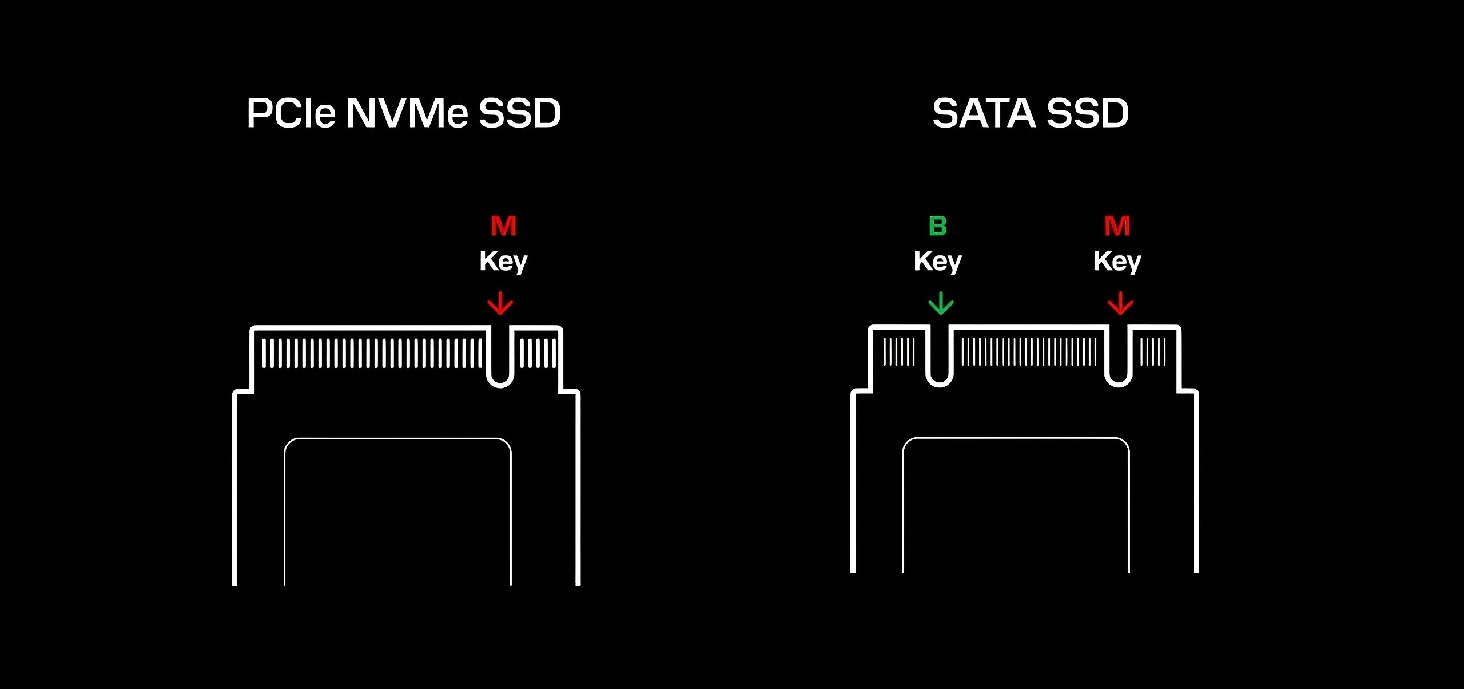
Not all M.2 SSDs use the same interface.
Some drives useNVMe, while others useSATA.
A docking station that supports both interfaces can make storage management more convenient by reducing the need for separate accessories.
Before purchasing, users should always verify that both the SSD and the docking station support the same interface and form factor.
Faster Access to Your Files
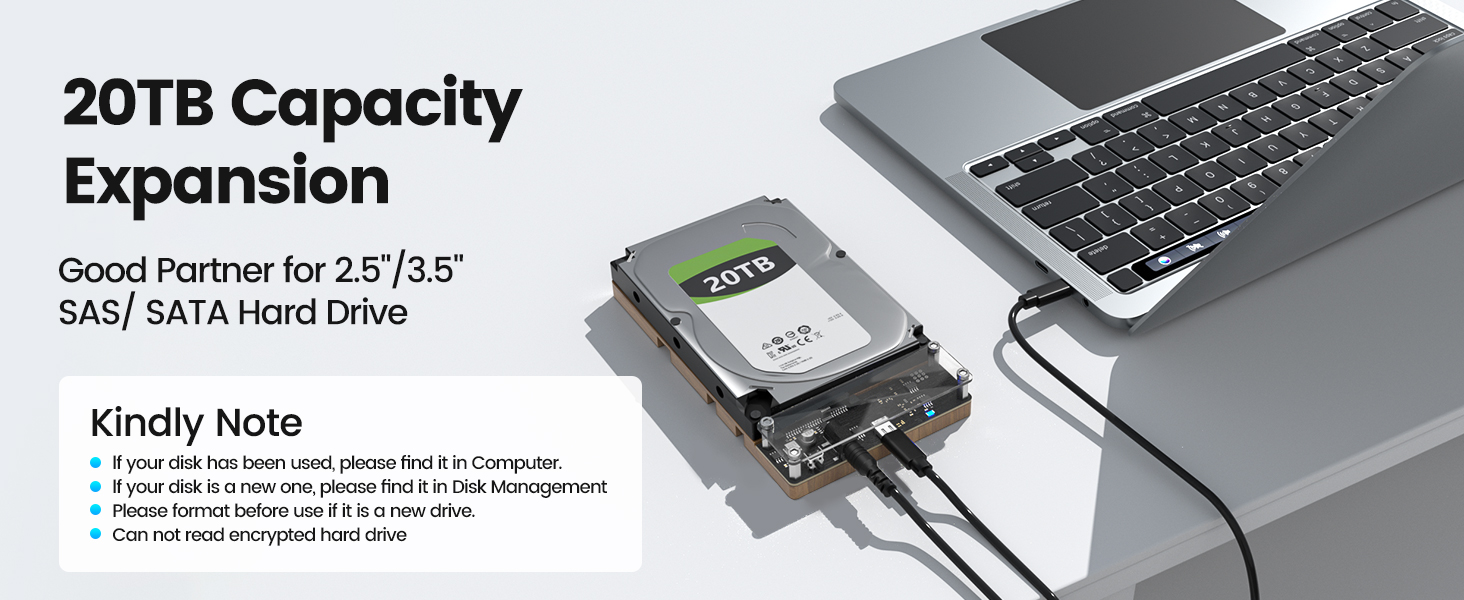
When transferring large files such as photos, videos, or project archives, connection speed can make a noticeable difference.
Many modern USB-C SSD docking stations support USB 3.2 Gen 2, offering a theoretical interface bandwidth of up to10Gbpswhen connected to compatible devices. Actual transfer performance depends on factors such as the SSD model, host interface, file sizes, and operating environment. Similar specifications are common across modern USB 10Gbps SSD docks. (StarTech.com)
Whether you're moving project files or creating backups, choosing a docking station that matches your system's capabilities can help improve workflow efficiency.
Designed for Everyday Storage Tasks

A tool-free SSD docking station can be useful in a variety of situations, including:
- Upgrading an existing SSD
- Accessing data from an older drive
- Creating backups
- Transferring large media files
- Testing or checking SSDs
- Expanding temporary storage
Because the SSD can be inserted and removed quickly, the dock can be a practical choice for users who work with multiple drives.
SSD Dock vs. SSD Enclosure
Although both products allow users to access M.2 SSDs externally, they are designed for different purposes.
SSD Docking StationSSD Enclosure
Quick SSD swapping Better suited for carrying a single SSD
Convenient for testing multiple drives Designed for long-term portable storage
No repeated disassembly for frequent drive changes Drive typically remains installed inside the enclosure
Suitable for data migration and temporary access Suitable for everyday external storage
Choosing between the two depends on how you plan to use your SSD.
A Practical Addition to Your Workspace
For photographers, content creators, IT professionals, and everyday users, storage devices often become part of a regular workflow.
A tool-free docking station can help simplify routine tasks such as upgrading drives, copying files, or checking older SSDs, allowing users to spend less time preparing hardware and more time focusing on their work.
Explore INDMEM Storage Solutions
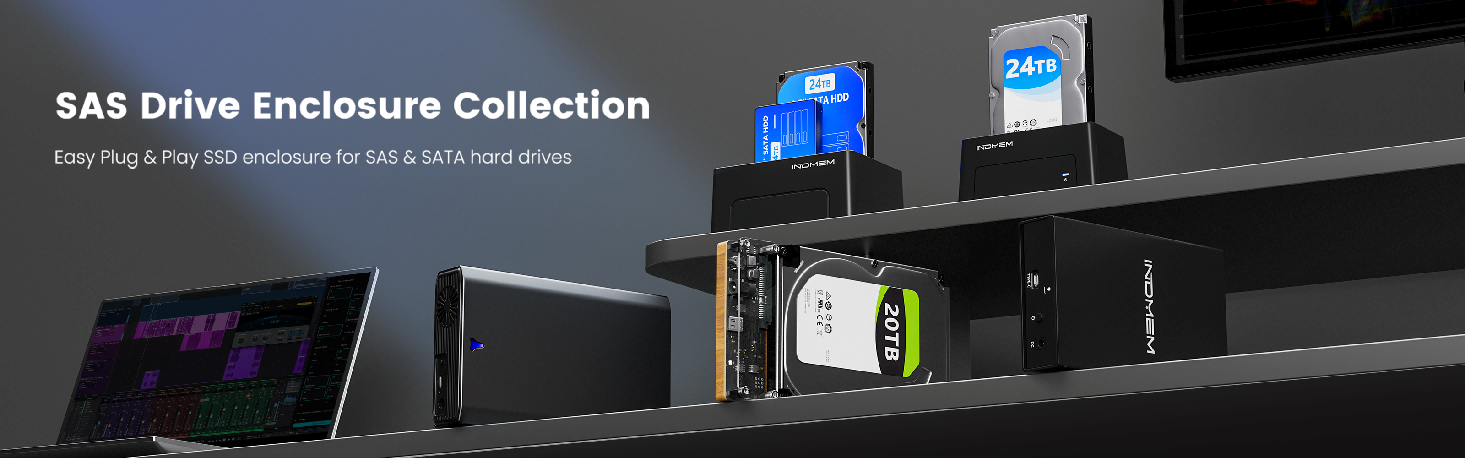
INDMEM offers a range of storage products designed for different applications, including:
- M.2 SSD Docking Stations
- SSD Enclosures
- Memory Cards
- Card Readers
- Portable Storage Accessories
Whether you're upgrading your storage, organizing files, or expanding your workspace, choosing the right storage accessory can make everyday tasks more efficient.
 Send Email
 JCcms
JCcms JCcms
JCcms