Industry News
How AI Is Changing the Storage Market in 2026
How Is AI Changing the Storage Market? What SSD and Memory Card Users Should Know in 2026
Artificial intelligence is changing how we work with data.
It is also changing the storage industry.
AI applications process large amounts of data. Data centers need fast and reliable storage for these workloads. As AI continues to develop, demand for high-performance SSDs is also growing.
Recent industry reports show that AI servers have become an important driver of enterprise SSD demand in 2026.
But what does this mean for everyday storage users?
You may not need enterprise storage for your laptop or camera. However, the changing market makes it useful to understand how to choose the right storage for your own needs.
AI Is Creating New Demand for Storage
AI systems work with large amounts of information.
They need storage for datasets, models, applications, and generated content. Many of these tasks also require fast access to data.
This has increased demand for enterprise SSDs.
The effect is not limited to data centers. NAND Flash technology is also used in consumer SSDs, memory cards, smartphones, USB storage, and other devices.
As demand changes across the storage industry, consumers may also see changes in product availability, capacity options, and pricing.
Why Does AI Demand Matter to Consumers?
NAND Flash is used in many storage products.
Enterprise SSDs are one part of the market. Consumer SSDs and memory cards are another.
When demand grows quickly in one area, it can influence the wider supply chain.
This does not mean every consumer needs to change their storage plans.
It simply makes storage planning more important.
Before buying a new drive or memory card, consider three basic questions:
-
How much storage do I need?
-
How fast does it need to be?
-
How will I use it?
These questions can help you avoid paying for features you do not need.
What Should You Look for When Choosing an SSD?
The best SSD depends on your workload.
Everyday Computing
For documents, web browsing, software, and general use, a standard SSD can provide a good balance between speed and capacity.
Large Files
If you work with photos, videos, or large project files, more capacity can make daily work easier.
Portable Storage
If you often move files between computers, an external SSD can be a practical choice.
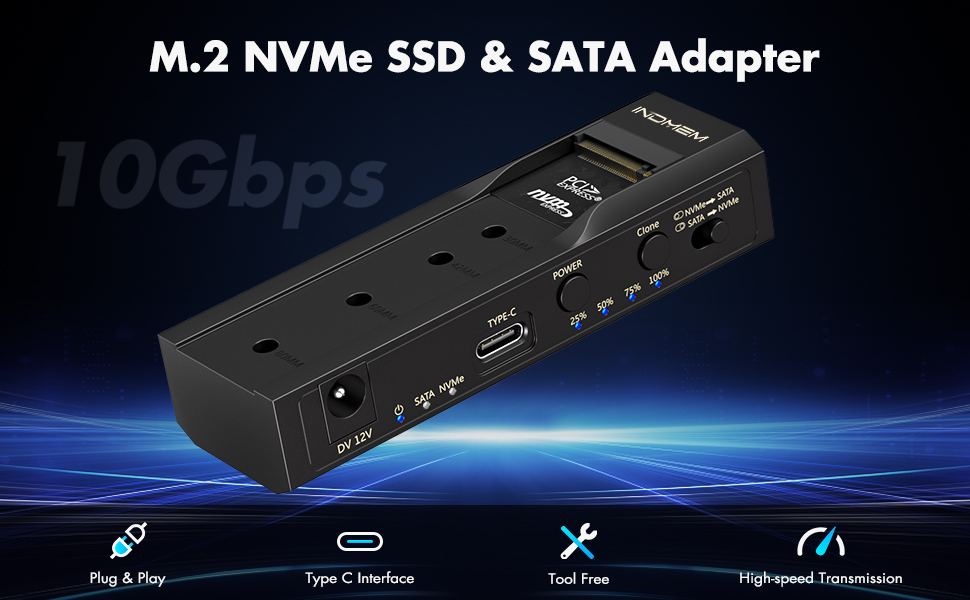
You can also use an M.2 SSD with a compatible enclosure to create portable storage.
https://www.amazon.com/Enclosure-Adapter-Offline-Adapters-Supports/dp/B0DNZ1ZNFK?ref_=ast_sto_dp
What About Memory Cards?
SSD technology is not the only storage option affected by growing data needs.
Cameras, drones, handheld devices, and other electronics continue to create large amounts of digital content.
Memory cards remain a convenient way to expand storage on compatible devices.
The right card depends on the device and the type of content you create.
For example:
Everyday photography
A standard-capacity SD card may be enough.
High-resolution photography
A larger card can reduce the need to change cards during a shooting session.
Video recording
Capacity and write performance become more important when recording large video files.
Portable devices
A compatible SD card can provide additional space without replacing the main device.
Always check your device specifications before choosing a memory card.
Capacity Is Only One Part of the Decision
A larger capacity is not always the better choice.
Think about your current storage needs first.
For example:
Usage Suitable Storage
Also consider future growth.
Documents and everyday files
SSD
Photos
SSD or SD Card
Large video files
Higher-capacity SSD or HDD
Portable work files
External SSD
Long-term archives
HDD
Large backup collections
High-capacity HDD
If you regularly create new photos, videos, or work files, leave some extra space for future data.
This can help reduce the need for frequent upgrades.
https://www.amazon.com/INDMEM-Adapter-SFF-8639-Converter-Enclosure/dp/B09DKLM82S?ref_=ast_sto_dp
Does the Interface Affect SSD Performance?
Yes.
An SSD is only one part of an external storage setup.
The connection also matters.
A typical external SSD setup looks like this:
M.2 SSD → SSD Enclosure → USB Interface → Computer
The enclosure must support the SSD type.
The computer and cable also need to support the required interface.
This is why it is important to check compatibility before buying an enclosure.
Give Your Existing Drives a New Use
A storage upgrade does not always mean replacing an old drive.
You may have an M.2 SSD left after upgrading a computer.
You can install it into a compatible enclosure and use it as external storage.
It can be useful for:
-
File transfers
-
Personal backups
-
Work files
-
Photo storage
-
Portable data
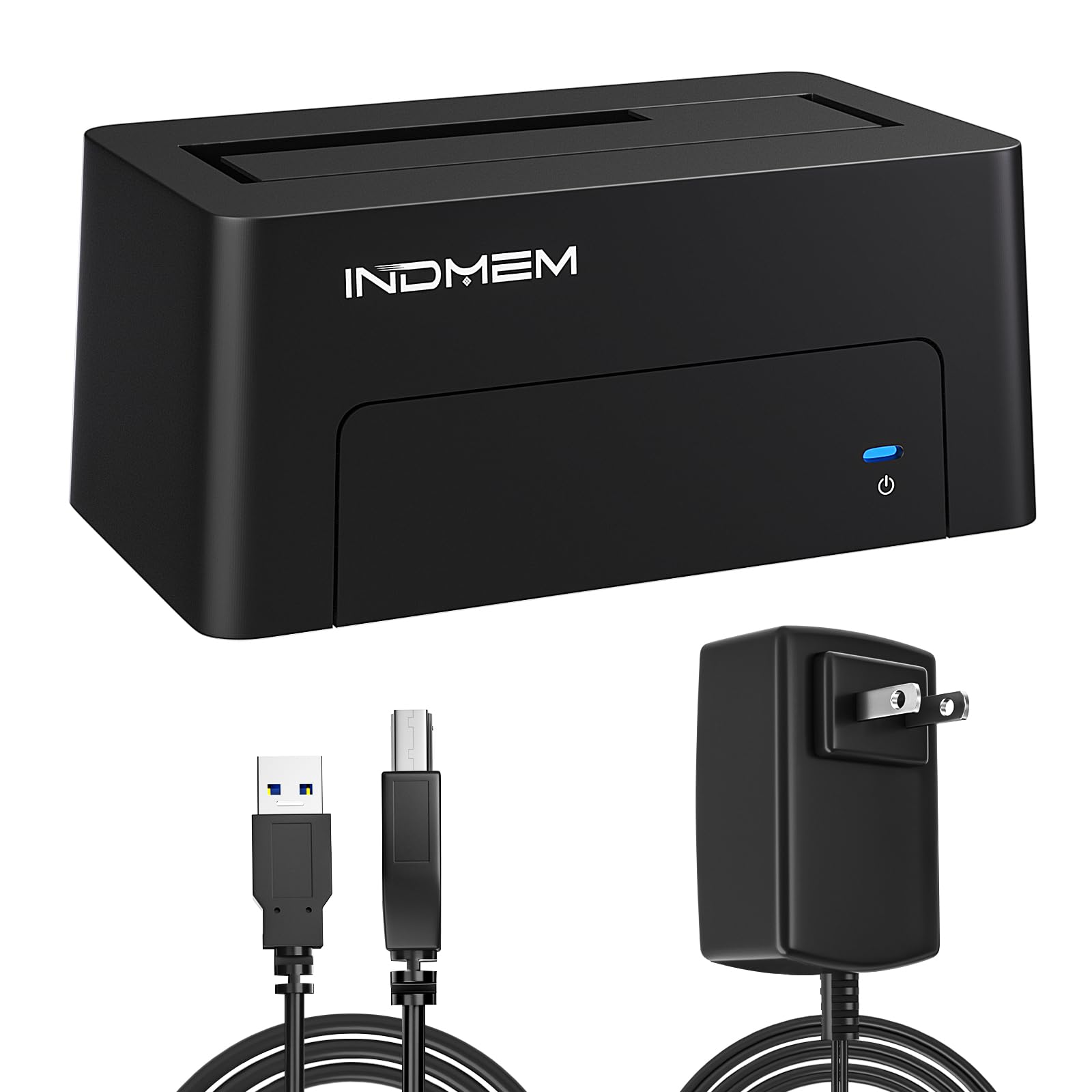
The same idea works with some internal HDDs.
An HDD enclosure or docking station can make an internal drive easier to connect and access.
https://www.amazon.com/SAS-Adapter-Enclosure-Converter-Docking/dp/B09YNTPTYS?ref_=ast_sto_dp
How Can You Prepare for Growing Storage Needs?
You do not need to buy the most advanced storage device available.
Start with your actual needs.
1. Check Your Current Storage
Look at how much space your devices are using.
2. Identify Your Main Workload
Think about what you store most often.
Is it documents, photos, videos, games, or work projects?
3. Choose the Right Capacity
Select enough space for your current files and expected growth.
4. Check Compatibility
Make sure the storage device works with your computer, camera, or other equipment.
5. Consider Reusing Existing Drives
An older SSD or HDD may still be useful as external storage.
A compatible enclosure can give the drive a new role.
What Does the Changing Storage Market Mean for You?
AI is creating new demand across the storage industry.
Enterprise applications are increasing the need for high-performance storage. At the same time, consumers continue to create more photos, videos, documents, and other digital files.
The result is a storage market that is becoming more diverse.
For everyday users, the best approach is simple:
Choose storage based on how you use it.
Consider:
-
Capacity
-
Speed
-
Interface
-
Compatibility
-
Portability
-
Future storage needs
An SSD can be useful when speed matters.
A memory card can expand storage on compatible devices.
An HDD can provide large-capacity storage for backups and archives.
An SSD or HDD enclosure can also help you make better use of existing drives.
As data continues to grow, choosing the right storage solution can make your digital life easier to manage.
Explore INDMEM storage solutions for SSDs, memory cards, enclosures, and other storage accessories.
 Send Email
 JCcms
JCcms JCcms
JCcms